Guide to Virtual Receptionist for Small Business (2025)
See how a virtual receptionist for small business saves money and improves service. Our guide covers benefits, costs, key features, and easy setup steps.
November 24, 2025
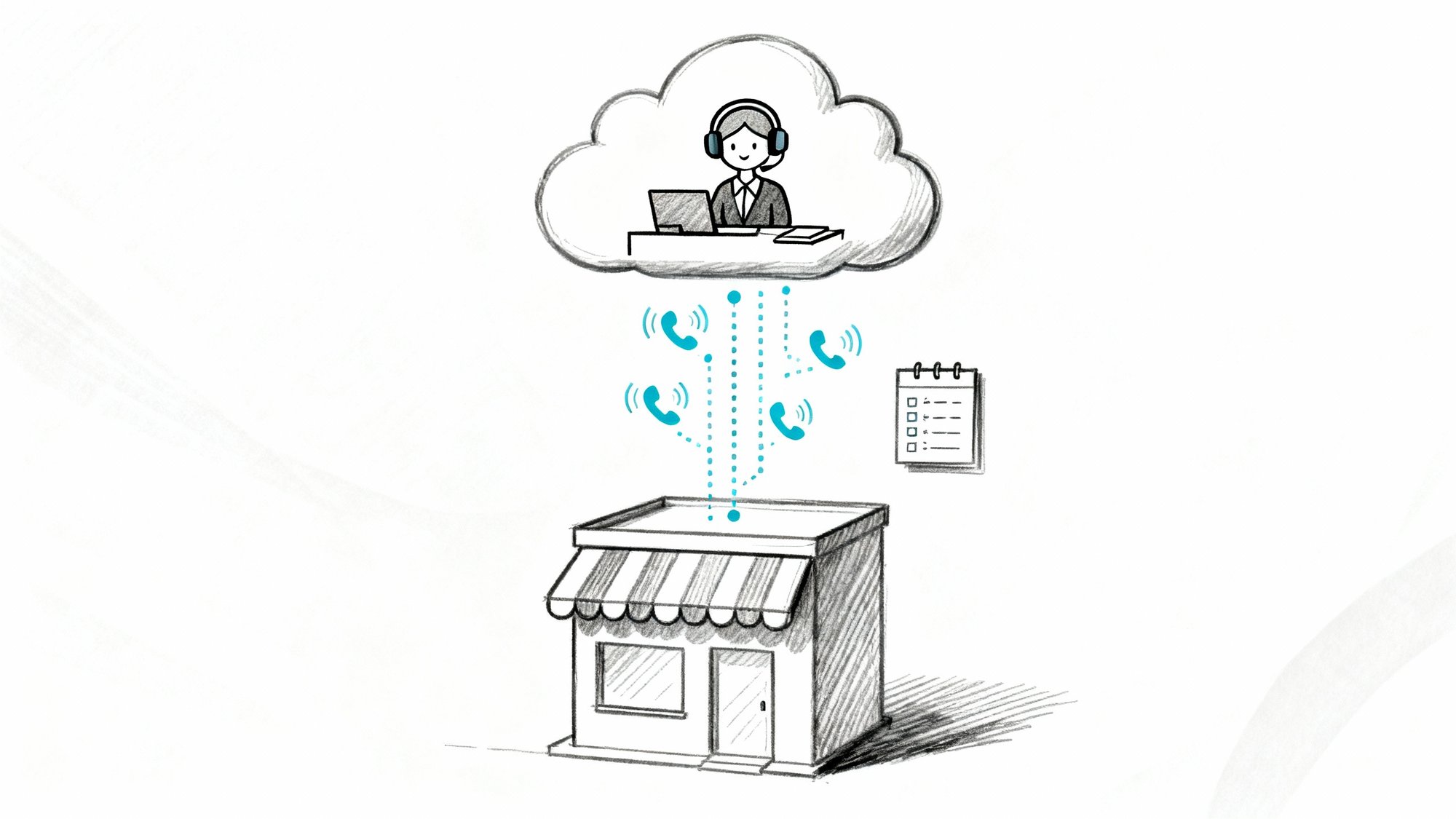
Your phone's ringing. Again. You're elbow-deep in actual work, but you know that call could be a new customer. So you answer. It's a telemarketer.
Five minutes later, another ring. This time you're with a client and can't pick up. The caller doesn't leave a voicemail. They call your competitor instead.
This cycle costs small businesses serious money. Research shows 62% of calls to small businesses go unanswered, and 85% of those callers won't try again. They just move on to the next business.
A virtual receptionist solves this. Think of it as having a dedicated team member answering your phones 24/7, but without the full-time salary, benefits, or office space. Whether you choose a real person working remotely or an AI assistant that never sleeps, you'll capture every opportunity without being chained to your phone.
We built Eden to handle exactly this challenge. But this guide covers the entire landscape of virtual receptionist solutions so you can make the right choice for your business.
Why Missed Calls Cost Small Businesses Money#
Let's talk numbers for a second.
Studies show only 38% of calls to small businesses get answered by an actual person. The rest? About 37% hit voicemail, and 24% get no response at all. And 80% of people sent to voicemail don't leave a message.
They hang up and dial the next business. Gone.
The math gets worse. One recent analysis found the average missed call costs about $12 in lost revenue. Missing just two calls per day adds up to over $9,000 in lost revenue per year. If you're missing six calls daily? You're looking at $26,000+ walking out the door annually.
And it's not just about immediate sales. 62% of callers who have a poor experience will switch to a competitor. One unanswered call can cost you a customer for life.

The core problem: You can't always be there. But your customers expect instant answers. Virtual receptionists bridge that gap without you having to clone yourself.
What Is a Virtual Receptionist and How Does It Work?#
Simple answer: someone (or something) that handles your calls remotely while acting as part of your company.
Virtual receptionists come in two forms:
1. Human virtual receptionists are trained professionals who answer from call centers or home offices. They greet callers using your business name, take messages, answer questions, schedule appointments, and transfer calls. To your customers, they sound exactly like in-house staff.
2. AI virtual receptionists use natural language technology to have actual conversations with callers. Modern AI systems like Eden can understand what people say (not just press-1-press-2 menus), answer questions, book appointments, and handle complex requests.

Both are fundamentally different from those awful automated phone menus everyone hangs up on. (85% of customers report hanging up after hitting an IVR menu without getting what they need.) Virtual receptionists actually help callers instead of frustrating them.
Virtual Receptionist vs Answering Service: Key Differences#
Traditional answering services just take messages. "I'll have them call you back."
Virtual receptionists do what an actual receptionist would:
• Transfer calls to the right person with context about why they're calling
• Schedule appointments directly on your calendar
• Answer common questions about your hours, services, and pricing
• Collect detailed information during intake
• Handle multiple tasks during a single call
It's the difference between a note-taker and a front-office professional.
Benefits of Virtual Receptionists for Small Businesses#
Never Miss Another Lead#
24/7 coverage means every caller gets answered. Period.
No more "sorry, we're closed" or endless ringing. Calls at 7 PM on Sunday? Handled. Middle of your busiest day? Covered. 77% of customers expect immediate phone responses, and with a virtual receptionist, you deliver every single time.

Look Bigger Than You Are#
Solo business owner? Your callers will think you have a full office staff. The professional greeting, quick response times, and seamless call handling project an image of a well-established company.
Even if you're running things from your garage, callers experience enterprise-level service.
Actually Get Your Work Done#
Here's what changed for most business owners: they stopped being interrupted 30 times a day.
When you're not constantly dropping everything to answer "what are your hours?" for the tenth time that week, you can focus on work that actually makes money. The receptionist handles routine questions. You get summaries via text or email. You call back the important ones on your schedule.
No more phone tag. No more stopping mid-task. Just focused work time.
Massive Cost Savings#
Hiring a full-time receptionist costs $3,000 to $4,500 per month when you include salary, taxes, and benefits. And that's for 40 hours per week, not nights and weekends.
The numbers don't lie:
| Solution | Monthly Cost | Coverage | Scalability |
|---|---|---|---|
| In-house receptionist | $3,000-$4,500 | 40 hrs/week | Hire more people |
| Live virtual receptionist | $300-$800 | 24/7/365 | Unlimited |
| AI virtual receptionist | $50-$200 | 24/7/365 | Truly unlimited |
Virtual receptionists cost a fraction of that while covering all hours. We're talking 90%+ savings for many businesses.
Handle Growth Without Hiring#
What happens when your call volume doubles? With an in-house receptionist, you're scrambling to hire and train someone new.
With a virtual receptionist, nothing changes. The service scales instantly. AI systems can literally handle multiple calls simultaneously (try getting one human to do that). You just keep growing.
Stop Dealing with Spam#
Americans get about 2 billion spam calls per month. Your business line isn't immune.
Many virtual receptionists filter these automatically. AI systems can detect robocall patterns and hang up. Live services screen obvious spam. Either way, you only deal with real customers. Your time stays valuable.
Human vs AI Virtual Receptionist: Which Is Better?#
This is the big decision. Both work. The question is which fits your business better.

Live Virtual Receptionists (The Human Touch)#
Real people answer your calls from call centers. Services train receptionists on your business specifics so they can have intelligent conversations with callers.
What they're great at:
• Complex, nuanced conversations that need empathy
• Handling emotional situations (law firms, healthcare, high-touch service businesses)
• Adapting on the fly when something unusual comes up
• Making callers feel truly heard and valued
• Following intricate scripts with lots of if/then scenarios
The tradeoffs:
| Aspect | What to Know |
|---|---|
| Cost | $300-$1,000+ per month depending on volume |
| Pricing model | Usually per minute or per call |
| Limitations | Can't handle multiple calls simultaneously |
| Setup | Minimal (they train their people for you) |
| Language support | Bilingual often available (usually Spanish/English) |
For businesses where every call could be worth thousands of dollars or where callers need genuine human connection, live services make sense.
AI Virtual Receptionist Features and Pricing#
Modern AI receptionists like Eden use conversational technology to talk naturally with callers. They understand actual speech (not just keywords), ask follow-up questions, and handle complex multi-step conversations.
What makes them powerful:
• Insane cost efficiency. We're talking $50-$150/month for unlimited calls in many cases.
• True 24/7 availability with zero downtime. No sick days, vacations, or breaks.
• Perfect consistency. The AI never has an off day, never forgets your script, never makes mistakes.
• Instant deployment. Most AI systems can be up and running within hours, not days.
• Unlimited simultaneous calls. Five people call at once? No problem. The AI handles all of them.
• Built-in multilingual support. Many AI systems switch seamlessly between English and Spanish (or other languages).
• Automatic transcripts. Every call gets recorded and transcribed, so you know exactly what was said.
The honest limitations:
It's not human. Some callers prefer talking to a real person. And while AI has gotten remarkably good, truly complex or emotional situations might be better handled by humans. That said, most routine business calls (the majority of what you get) work perfectly with AI.
Setup takes a bit more effort upfront since you're configuring the system. But services like Eden make this dead simple by auto-learning from your website or Google Business profile.
Which Virtual Receptionist Should You Choose?#
Ask yourself:
→ Go with AI if:
• Budget is a major concern (you'll save 80-90% vs. live services)
• Most calls are straightforward (appointments, FAQs, basic intake)
• You get high call volume or lots of simultaneous calls
• You need truly unlimited coverage without usage anxiety
• Quick setup matters to you
→ Go with live if:
• Each call could be worth $5,000+ and needs a perfect touch
• Your industry involves sensitive, emotional situations
• Call volume is low enough that cost isn't prohibitive
• You prefer the peace of mind of human judgment
Or start hybrid: Use AI for the first line, and have it transfer complex cases to you or to a human service. Many businesses do this and get the best of both worlds.
Learn more about choosing between AI receptionists and other options.
Must-Have Features in Any Virtual Receptionist#
Whether you go human or AI, make sure your service includes these essentials:
① Actual 24/7 Coverage#
Not "business hours plus a little extra." True around-the-clock answering, every day of the year. Your competitors' calls are going to voicemail at 6 PM. Yours shouldn't. After-hours answering is non-negotiable.
② Fast, Professional Answering#
The service should pick up within a few rings. And they should use your custom greeting.
"Good morning, ABC Plumbing" not "You've reached an answering service for..."
③ Appointment Scheduling#
This is huge. The receptionist should be able to book appointments directly into your Google Calendar or Outlook while the caller is on the line. No more back-and-forth email tennis or phone tag.
Real-time calendar integration means you get bookings 24/7 without lifting a finger. At Eden, this sync takes about 30 seconds to set up and then just works.
④ Smart Call Routing#
Different calls need different handling:
→ New sales leads go to your cell with a text alert
→ Existing customers get transferred to the office line
→ After-hours emergencies page the on-call person
→ Spam gets screened out completely
Make sure the service can handle these call routing rules and adjust them as your business evolves.
⑤ Instant Notifications#
When something important happens, you should know immediately. Whether it's a text saying "Hot lead calling about $5K project" or a calendar invite that just got booked, you need real-time alerts for what matters.
⑥ Message Delivery You Can Actually Use#
Every call should generate a summary sent via email and/or SMS. The best services also give you an online dashboard or mobile app to review all calls, listen to recordings, and track patterns.
⑦ Bilingual Support (If Relevant)#
About 13% of the U.S. population speaks Spanish at home. If you serve areas with Spanish speakers, bilingual support isn't optional. It's a competitive advantage.
Many AI systems handle this natively. Live services often include it at no extra charge.
⑧ Call Recording and Transcripts#
For quality control, training, or just covering your bases legally, having call recordings is invaluable. Most AI services transcribe every call automatically. Live services may offer recordings on request.
Just make sure you're following consent laws in your state (most services handle the disclosure automatically).
Virtual Receptionist Pricing: What You'll Pay#
Live Virtual Receptionist Pricing#
Most human services charge by the minute:
• 100 minutes/month: $300-$320
• 200 minutes/month: $380-$400
• 300 minutes/month: $600-$700
• 500 minutes/month: $800-$900+
If you exceed your plan, overage charges kick in (often $2-$5 per minute). So if you're a chatty business, costs can climb.
Some services price per call instead of per minute.
AI Virtual Receptionist Pricing#
AI services are dramatically cheaper:
• Basic plans: $50-$100/month with generous or unlimited usage
• Pro plans: $100-$200/month with advanced features
• No overtime charges. 3 AM on Christmas? Same price.
At Eden, our Plus plan starts at $39/month for 200 minutes, and our Pro plan is $99/month with unlimited calls. No hidden fees, no per-minute anxiety.
Cost Comparison Reality Check#
Let's say you get 150 calls a month averaging 2 minutes each (300 minutes total):
| Service Type | Monthly Cost | Annual Cost |
|---|---|---|
| Live human service | $600-$800 | $7,200-$9,600 |
| AI service | $65-$150 | $780-$1,800 |
| In-house receptionist | $3,000-$4,500 | $36,000-$54,000 |
The savings are absurd. And remember: 42% of small businesses lose at least $500 per month to missed calls. That's $6,000+ per year.
If a virtual receptionist saves you even three customers per year, it's paid for itself many times over.
Learn more about the complete cost comparison.
How to Choose the Right Virtual Receptionist Service#
① Know Your Numbers#
Before shopping, figure out:
• How many calls you get per day/week
• When most calls come in (business hours vs. after hours)
• Average call length
• What percentage are new leads vs. existing customers
• Common caller requests (appointments, pricing, support, etc.)
This data tells you whether you need a basic message service or full-featured receptionist.
② Set Your Budget#
Be realistic. If you're losing $500/month to missed calls, spending $100-$300/month to fix it is a no-brainer investment.
Consider ROI, not just cost. One saved customer might pay for 3 months of service.
③ Test Before Committing#
Almost every service offers a free trial. Use it.
Call your own number as a mystery shopper. See how they handle it. Have friends call with different scenarios. Does the greeting sound professional? Do they get your details right? Can they actually book an appointment?
For AI services, test edge cases. Ask weird questions. Speak with an accent. See how it recovers from confusion.
④ Evaluate the Interface#
During your trial, check the dashboard. Can you easily:
• Update your business hours or services?
• Change call routing rules?
• Review call logs and recordings?
• Adjust the greeting or scripts?
A clunky interface means you'll avoid making needed updates. A good one makes management effortless.
⑤ Check Customer Support#
You want a partner who'll help you succeed. During the trial, reach out to support with a question. How fast do they respond? How helpful are they?
For AI systems especially, you want a team that'll help you optimize responses and performance.
⑥ Plan for Growth#
Will this service scale with you? If you add another location or double your call volume, can they handle it without forcing you to switch providers?
Pick a service that grows with your business. Check out industry-specific solutions to see what works for businesses like yours.
How to Set Up a Virtual Receptionist in One Week#
Once you choose a service, here's how to get live quickly:
Week 1: Onboarding
Provide your business basics (name, services, hours, location). Write out your desired greeting. List common questions and answers. If they're scheduling, connect your calendar.
Most services have templates and guides that make this painless.
Setting Up Call Forwarding
This is usually the "scary" part, but it's actually simple. You'll forward your business line to the receptionist's number.
Three common approaches:
-
Forward all calls directly to the service (they become your primary answering)
-
Forward on no-answer (your phone rings first; if you don't pick up in 3-4 rings, it forwards)
-
Forward after hours only (automatic schedule-based forwarding)
Most phone systems use simple codes. For example, dial *72 followed by the forwarding number to activate. Your virtual receptionist provider will give you exact instructions for your carrier.
Services like Eden provide step-by-step guides for every major phone provider (Verizon, AT&T, Google Voice, RingCentral, etc.). It takes about 2 minutes.
Week 2: Test and Tune
Call your own number multiple times. Try different scenarios. Review the messages and transcripts you receive.
Find something that needs adjusting? Update the script or add a new FAQ. Most services let you make changes on the fly through a dashboard.
For AI systems, the first week is a learning period. Check transcripts daily and add any missing information to the knowledge base.
Ongoing: Stay Updated
When you change your hours, add a new service, or hire someone new to transfer calls to, update the receptionist. Set a monthly reminder to review call handling rules.
How to Get the Most Out of Your Virtual Receptionist#
Use It as Your Competitive Edge#
Once you're live, tell people about it. Update your website: "24/7 live answering." Put it in your Google Business description. When someone asks your hours, say "We're available 24/7 by phone."
This becomes a selling point. While your competitors send callers to voicemail after 5 PM, you're capturing those leads.
Review Performance Monthly#
Most services provide analytics:
• Total calls received
• Peak call times
• New leads vs. existing customers
• Calls answered vs. missed (should be 100% answered)
Use this data to spot patterns. Maybe you're getting tons of calls Tuesday mornings (adjust your schedule). Or maybe certain questions keep coming up (add them to your FAQ).
Keep Information Current#
Your virtual receptionist is only as good as the info you give them. When something changes, update it immediately:
→ Holiday hours
→ New services or pricing
→ Staff changes affecting transfers
→ Seasonal promotions
Think of them as part of your team. You wouldn't let an in-house receptionist work with outdated information.
Respond to Important Calls Quickly#
Virtual receptionists capture leads beautifully, but you still need to follow up. Set aside time twice a day to review messages and return calls that need it.
Hot leads should get a callback within hours, not days. The receptionist bought you time and captured the opportunity. Don't waste it.
Virtual Receptionist FAQs#
Will callers know it's not someone in my office?
With a well-configured service, usually not. Live services train their people to sound like your staff. AI systems use your business name and have natural-sounding voices. Most callers don't notice or care, as long as they get helpful, professional service.
Can virtual receptionists handle industry-specific questions?
Yes. You provide them with your FAQs, pricing, services, and any industry terminology. They use this knowledge base to answer caller questions accurately. For highly technical questions beyond their scope, they take a message or transfer the call to you.

Different industries have different needs. For example, plumbing businesses need emergency routing, while real estate agents need appointment coordination.
What if the receptionist doesn't understand a caller?
Live receptionists can ask for clarification just like anyone would. AI systems do the same thing. If they truly can't help, they'll offer to take a message or transfer to you. Good AI systems improve over time as they encounter new scenarios.
How quickly can I get started?
AI services can be live within hours. You provide basic info, forward your calls, and you're done.
Live services typically need 1-2 business days to train their team on your account, though some offer same-day setup for urgent needs.
Can I use this for multiple phone numbers or locations?
Most services support multiple lines, though pricing may adjust. If you have several locations, you can typically set different handling rules for each number. This works especially well for businesses with multiple service locations.
What about privacy and security?
Reputable services take data security seriously. They encrypt call recordings, secure client data, and follow privacy regulations. If you're in a regulated industry (healthcare, legal), look for providers that handle compliance requirements.
Can I pause or cancel anytime?
Most modern services operate month-to-month with no long-term contracts. You can pause service or cancel if needed. Check the specific terms before signing up, but the industry standard is flexibility.
What happens during a power outage or internet failure?
If you forward calls to the virtual receptionist, they'll continue answering even if your office loses power. That's actually a major benefit. The service runs on their infrastructure, not yours.
How do I handle calls that need immediate transfer?
You set rules for urgent transfers. For example: "Emergency calls should be transferred immediately to my cell, even at 2 AM." The service will call you, explain who's on the line, and patch them through.
You can have different transfer numbers for different times or call types.
The Bottom Line#
The reality is simple: every unanswered call is money walking away.
Small businesses can't afford to let that happen. But you also can't be chained to your phone 24/7. You've got actual work to do.
A virtual receptionist solves this without breaking the bank. For less than you'd spend on coffee and office supplies, you can ensure every caller gets professional, immediate attention. Every lead gets captured. Every customer feels valued.
The technology has matured to the point where it just works. Whether you choose a live service or an AI assistant like Eden, you'll wonder how you ever operated without it.
Most business owners who try it report feeling relief within days. The constant phone stress just stops. Calls get handled. You get summaries. Important stuff gets forwarded. You can finally focus on running your business instead of being its answering machine.
Start with a trial. Forward your calls for a week. See what happens. You'll likely find that you capture leads you would've lost, customers are happier, and you're less stressed.
In 2025, having a virtual receptionist isn't a luxury. It's table stakes for staying competitive. Your customers expect instant responses. Your competitors are probably already doing this. The question isn't whether to get a virtual receptionist.
It's which one to choose and how quickly you can get started.
Ready to stop missing calls? Try Eden free for 7 days and see what 24/7 coverage feels like. No credit card required. Just forward your calls and watch what happens.
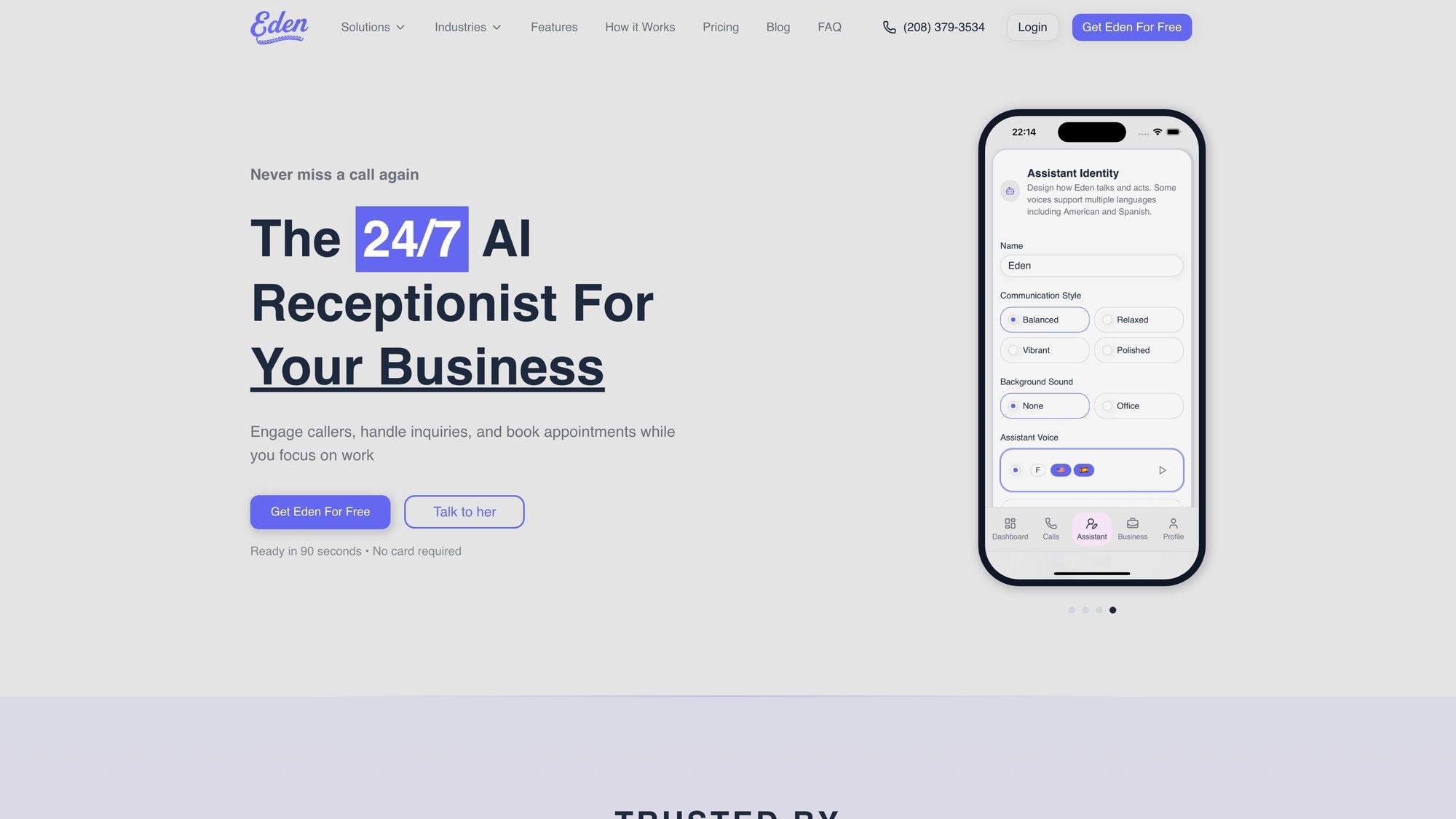
Because every call matters. And you shouldn't have to choose between answering your phone and running your business.
Ready to Transform YourCustomer Experience?
Join hundreds of businesses using Eden AI to handle calls, book appointments, and provide 24/7 customer support.