
Real Estate
Explore solution
Eden helps small business owners keep working while calls still get handled. She answers routine calls, captures the details, routes urgent requests, and leaves summaries you can review from your phone when you have a break.
Review calls, summaries, and next steps from your phone

Phone help for owners, operators, and small teams
Eden can act as the phone assistant an owner needs during the workday. When you are with a client, on a job, driving, or in a meeting, Eden answers routine calls, captures what happened, and flags the calls that need you.
Eden answers inbound calls for the business, but the owner stays in control of what happens next. Calls can be captured, summarized, routed when urgent, and reviewed later from the customer app. That makes Eden useful for service owners, solo professionals, and location managers who spend most of the day with clients, on jobs, or away from a desk.
The emphasis is not only answering the call. It is getting a clean record you can review later: who called, what they needed, how urgent it was, and what should happen next.
Small-business owners miss calls for a practical reason: answering at the wrong time breaks the work.
The job is bigger than "answer the phone." Eden needs to protect the opportunity, decide whether the owner should be interrupted, and leave a clear summary for follow-up.
Need full front-desk coverage instead? See Eden's AI receptionist service.
Keep working without losing the thread
Let Eden handle routine calls while you finish the job, appointment, showing, or client conversation.
Use summaries and suggested next actions to see which calls need follow-up without replaying every recording.
Interrupt only for calls that match your urgency rules instead of treating every ring like an emergency.
Check transcripts, recordings, and call details from the app when you have a break between jobs or clients.
Stop choosing between doing the work and wondering what opportunity you just missed.
Capture caller details, reason for calling, appointment requests, and context so callbacks start with the right information.
Eden helps before, during, and after the call:
Eden learns business basics from your website or Google profile and follows your call-handling preferences.
Eden greets the caller, asks useful questions, answers routine questions from business context, screens spam, and routes urgent calls when appropriate.
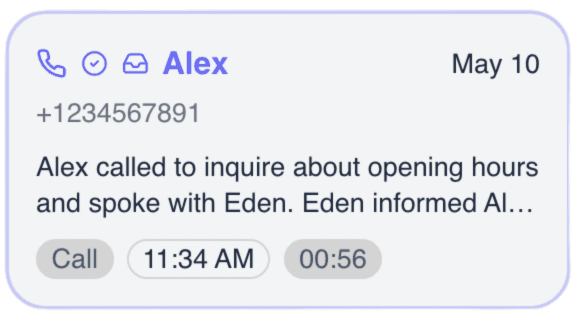
Eden gives the owner a transcript, recording, summary, and suggested next action so follow-up is easier.
Repeats every call
That after-call record is the point. You can return calls with context instead of replaying every voicemail or trying to remember who called while you were busy.
Focused on call triage, review, and follow-up
Review what happened, what the caller wanted, and what should happen next without starting from a blank note.
Check transcripts, recordings, and next steps from your phone after a job, meeting, or appointment.
Set rules for which calls should be transferred or escalated instead of saved for later follow-up.
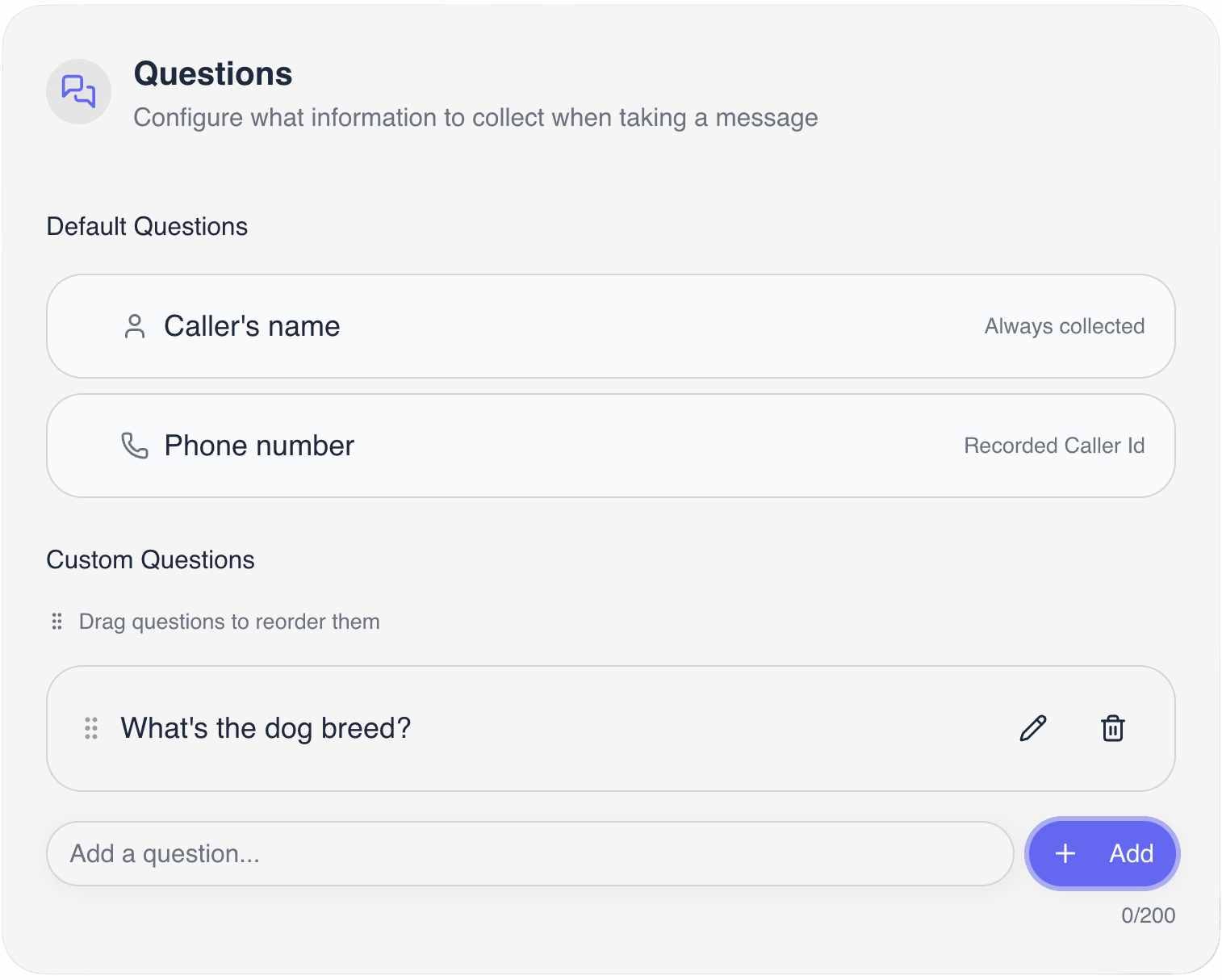
Collect caller name, contact details, service need, location, timing, and context for cleaner callbacks.
Filter unwanted calls so the owner is not pulled away from real work for low-value interruptions.
Send a booking link or use configured calendar booking when the business has enabled scheduling.
How it works
Give yourself a calmer way to handle calls
Connect Eden to basic business information so she can understand services, hours, and common caller questions.
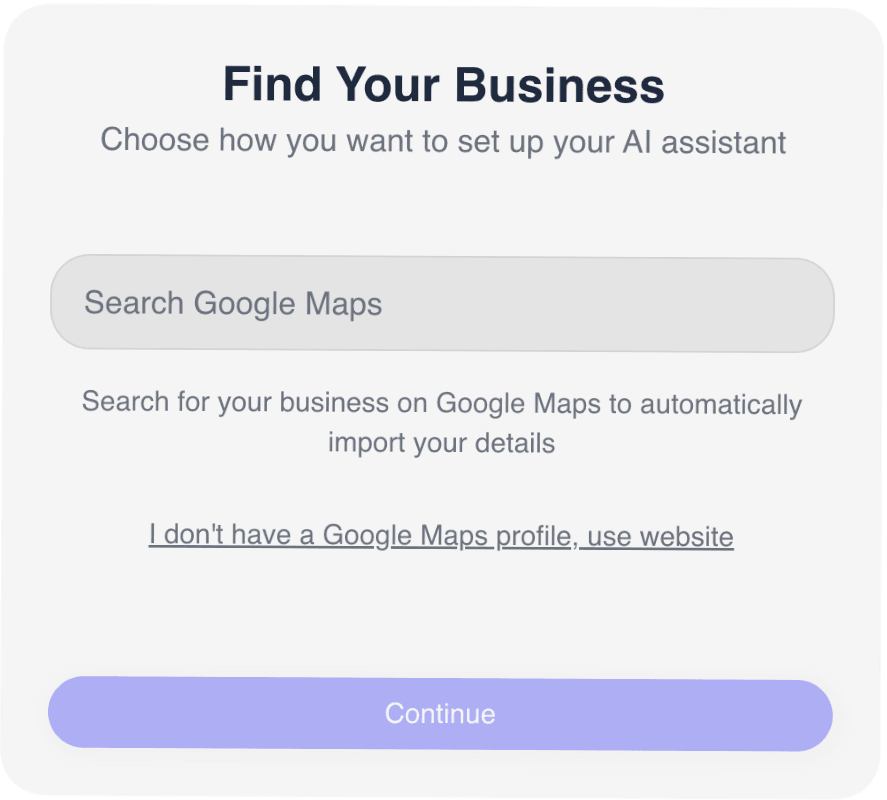
Define which calls should be captured, summarized, routed, or escalated to you immediately.
Let Eden answer while you work, then review summaries, recordings, transcripts, and next steps from your phone.
Phone workflows for teams that do not sit at a desk all day
Discover quick and comprehensive answers to common questions about our platform, services, and features.
Can't find what you're looking for? Contact our
Eden handles routine calls, flags urgent ones, and leaves summaries you can review from your phone.
No code • No hardware • Up and running in seconds