Your Guide to an AI Phone Answering Service
Learn how AI call answering services work, key features to compare, and when they make sense for small businesses.
August 19, 2025

An AI phone answering service is a smart tool that uses computers to automatically answer your business phone calls. Think of it like a robot helper that is always working. It can talk to people who call, find out what they need, and help them. It does all this without a person needing to step in. This makes sure you never miss an important call.
What Is an AI Phone Answering Service#
Imagine you own a small business and you are working on something important. The phone rings and stops you from working. You answer, but it takes you away from your job. If you are busy or it is after hours, calls go to your voicemail. But let's be real, most people just hang up instead of leaving a message.
An AI phone answering service fixes this exact problem. It is like having a perfect helper at your front desk who never needs a break, gets sick, or goes on vacation.
But this is much better than a simple voicemail. A voicemail just records a message. An AI service talks with your customers. It can answer common questions, schedule appointments on your calendar, and send truly important calls to the right person's cell phone. This makes even a one person business seem professional and big. It helps every caller feel like they are being taken care of.
More and more businesses are using this technology. In 2024, the world market for AI in call centers was already worth about USD 2.1 billion. It is expected to grow by almost 19% every year for the next ten years. This shows how many businesses are using AI to give faster and better customer service.
The Power of a Virtual Receptionist#
An AI answering service uses smart technology to understand what people say and to sound human and helpful. A big part of this is the quality of the voice. A modern AI voice actor can make a huge difference in making the conversation feel warm and smart.
This is a great picture of how an AI can be the new front door for your phone calls.
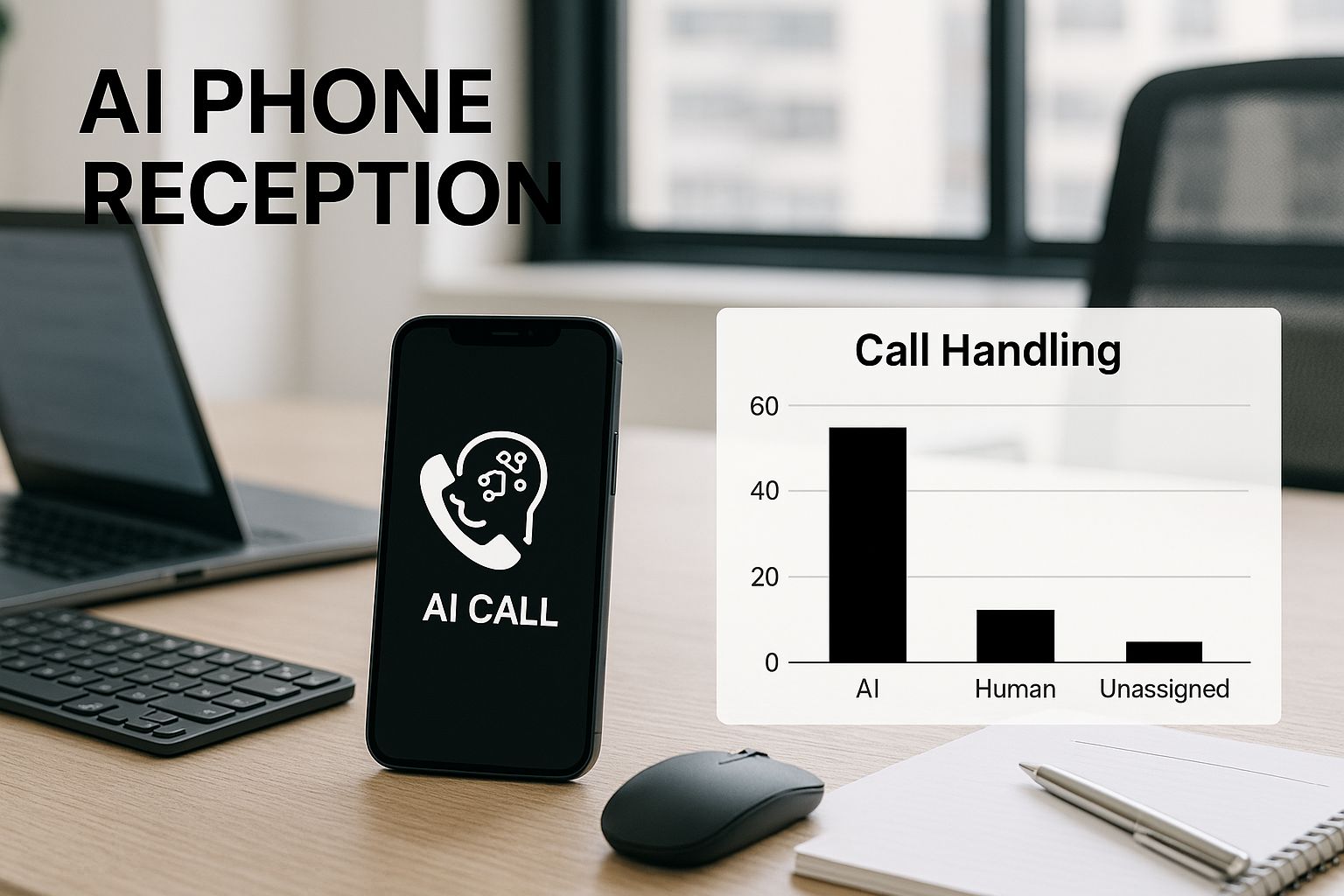
The image shows how the AI becomes your first contact for calls. It manages them from an app on your phone. It is not just a recording. It is an active part of your team. This system can do most of the jobs a human receptionist would do, but it costs much less. To learn more, you can read about how a flexible automated phone answering service can be set up for your business needs.
Human Receptionist vs AI Answering Service at a Glance#
It can be hard to see the differences between a person answering the phone and an AI service. This simple chart explains the key differences.
| Feature | Human Receptionist | AI Phone Answering Service |
|---|---|---|
| Availability | Works normal business hours, like 9 AM to 5 PM, Monday to Friday | Works 24 hours a day, 7 days a week, including holidays |
| Cost | You pay a full salary, benefits, and other costs | You pay a low monthly fee |
| Call Capacity | Can only handle one call at a time | Can handle hundreds of calls at the same time |
| Consistency | How they perform can change based on their mood | Always follows the script and has the same tone |
| Tasks | Answers calls, schedules appointments, does basic office work | Routes calls, books appointments, finds good leads, enters data |
| Scalability | Hiring more people is slow and costs a lot | Can instantly handle more calls as your business grows |
While a person is great for difficult talks that need a human touch, the AI is amazing at handling lots of simple calls perfectly and quickly. This frees up your team to do more important work.
How AI Answering Services Boost Your Business#
Using an AI phone answering service does more than just save you money. It changes how you run your business. It makes things smoother, keeps customers happy, and helps you grab every opportunity. Think of it as your secret tool for growing your business.
An AI helper works all the time, which means your business is never really "closed." When a customer calls at 10 PM with a leaky pipe, they get help right away instead of a voicemail. That quick response can be the reason they choose you over another company that was not available.
Being available all the time makes for a great customer experience. Let's be honest, no one likes waiting on hold or being told to call back later. An AI answers every call on the first ring. It offers instant help and makes every caller feel important.

Freeing Up Your Team for Bigger Things#
One of the best benefits is giving your team their time back. Your skilled workers are your most important asset. But they often get stuck answering the same easy questions over and over. "What are your hours?" "Where are you located?"
An AI can answer these repetitive questions perfectly, all day long. This lets your human staff work on harder problems, help customers with special situations, and focus on the work that helps the business grow. It is a simple way to make your whole team more productive without hiring more people.
Answering the same questions on the phone is a big waste of time for a small business team. Automating this one task can give your staff hours of productive time back each week. They can then focus on what is really important.
This change from just answering calls to actively building the business is a big deal. You can learn more about this idea by exploring what is customer service automation and seeing how it helps businesses grow.
Your Always-On Salesperson#
Every call you miss is a lost chance to make money. An AI phone answering service is your safety net. It makes sure every potential customer is captured and checked, no matter when they call.
Imagine someone sees your landscaping truck on a Saturday and calls for a price. Your AI can get their name, phone number, and what service they want. On Monday morning, that interested person is waiting for you instead of being lost over the weekend.
The results of this technology are amazing. Some AI systems can handle 100% of calls automatically. This can lower business costs by as much as 60%. They have been shown to increase sales ten times and reduce mistakes by half, all while making customers happier. By making sure every call is handled well, the AI becomes your most dependable salesperson.
Essential Features Your AI Phone Service Needs#
Choosing an AI phone answering service is like shopping for a car. They all promise to get you where you need to go, but the features inside change the experience. Not every service is the same. Knowing what to look for is the key to finding the right helper for your business.
Think of it like this: a basic service is a simple car, but a great one is a smart car full of tech that makes your life easier. These tools do not just answer the phone. They actively help your business run better. Let's look at the important features you should definitely ask for from any service you are thinking about.
The Brains of the Operation: Natural Language Processing#
The most important part of any good AI phone service is something called Natural Language Processing, or NLP. This is the magic that lets the AI understand what a caller is saying. It understands not just the words, but what the person means. It is the difference between a robot voice telling you to "say or press one" and a helpful assistant understanding, "I need to book a time for tomorrow afternoon."
This picture gives you a look at how this smart technology works.

Basically, this process lets the AI understand real, human language and answer in a way that sounds natural. Without good NLP, an AI phone service will just make your callers angry and will not do its main job well.
Must-Have Functional Features#
Besides understanding language, your AI assistant needs to have useful skills. These are the workhorse features that do the hard work and give you real value every day.
Here are the things you must have:
- Intelligent Call Routing: Think of this as a smart traffic cop for your phone lines. The AI listens to what a caller needs and quickly sends them to the right person or department. For example, it can send an emergency plumbing call straight to your on-call plumber's cell phone without any delay.
- Appointment Scheduling: A great AI should be able to book appointments right into your business calendar. A customer can call at 10 PM, find an open spot for the next day, and schedule a meeting. You do not have to do anything.
- Voicemail Transcription: Who has time to listen to voicemails? This feature turns them into text messages or emails. This lets you quickly read messages when you are busy and decide which ones need a fast reply.
- Custom Greetings and Scripts: Your AI should sound like it is part of your team. Being able to customize its welcome message, voice, and answers to common questions makes the whole experience feel personal and professional.
Having an AI that can do these main tasks is like having a perfectly trained receptionist who works all the time. It makes sure every caller gets the help they need, right when they need it. This creates a professional and reliable image for your business.
AI Answering Services in the Real World#
Knowing the theory is good, but seeing how an AI phone answering service actually works for real businesses is what really matters. These are not just ideas for the future. They are real tools solving everyday problems that companies like yours have. Let’s look at a couple of examples.
Imagine a popular local restaurant during a busy dinner time. The phone is ringing constantly. People want to make reservations, ask about the daily specials, or check the wait time. Before, the host had to handle both the phone calls and the guests at the door. This meant callers were put on hold and guests in the restaurant felt ignored.
By using an AI phone service, the restaurant completely changes that messy situation.
A Recipe for Success at a Local Eatery#
Now, when a customer calls the restaurant, the AI assistant answers right away. It can list the daily specials, confirm the restaurant's hours, and even book a reservation right in their system. This frees up the human staff to give their full attention to the people already in the restaurant, which makes for a much better experience.
The result is a restaurant that feels calmer and runs very smoothly.
- No more missed calls: Every hungry customer gets an immediate, helpful answer.
- Fewer mistakes: The AI will not accidentally book two tables at the same time or forget a reservation.
- Happier staff: The team is less stressed and can focus on what they do best, which is taking care of guests.
This one change helps the restaurant get more business and run smoothly, especially during busy times. The AI handles the simple calls, letting the team take care of the people.
Qualifying Leads for a Small Law Firm#
Next, let's look at a small law firm. Their problem is different but just as important. They get a lot of calls from possible clients, but not every case is right for them. A legal assistant used to spend hours every day just getting basic information to see if the firm could even help.
That manual screening process was a huge waste of time. It pulled the legal assistant away from important legal work. It created a slowdown that actually made it take longer for the firm to get good new clients.
For service businesses like law firms, that first phone call is very important. How you handle that first contact sets the mood for the whole relationship.
With an AI phone answering service, the firm's intake process is now very smooth. The AI answers the call and asks a few simple questions to see if the caller is a good fit. It might ask, "What type of law does your issue relate to?" or "Have you already filed any legal papers?"
Based on the caller’s answers, the AI gathers all the important details. It then puts this information into a simple summary and sends it to the legal assistant. This way, the team only spends time on calls that are a good match. This makes the whole firm more productive and profitable.
How to Choose the Right AI Answering Service#
Picking the right AI phone answering service can seem like a big job, but it does not have to be. Think of it like choosing the right tool. You want something that fits well and works the first time. By focusing on a few key things, you can find the perfect partner for your business calls.
First, take a good look at what your business really needs. Start by asking yourself a few simple questions. How many calls do you get each day? What are the main reasons people call you? The answers will show you which features are most important.
For example, a busy contractor probably needs an AI that can book appointments and quickly forward emergency calls to a worker on duty. A small marketing company, on the other hand, might just need a simple service to answer basic questions about their services. Figuring this out first means you will not pay for extra features you will never use. Our guide to call handling services can help you learn more about what to look for.
Check the Price and Ease of Use#
Once you know what you need, it is time to talk about money. Most services offer different plans based on how many calls you get. Look for clear pricing without hidden fees so you can plan your budget. Many providers offer a free trial. This is a perfect way to test their system without any risk.
Do not forget to think about how easy the service is to set up and use. You should not need to be a computer expert to get your AI assistant working. A good service will have a simple setup process that guides you. This makes it easy to forward your number and create your own greetings.
Make Sure It Can Grow with You#
The business you have today might be very different a year from now. That is why you need a service that can grow with you. This is called scalability. In simple terms, this means the service can handle a lot more calls as your company gets bigger, without any problems.
You want a phone system that handles ten calls a day just as easily as it handles a hundred. This kind of flexibility makes sure your answering service stays a helpful tool, not a problem you have to replace when you get busy.
Choosing a service that can grow with you is like buying a pair of shoes with a little room to grow. It prepares you for success without holding you back now. It makes sure your phone system is a help, not a problem.
Prioritize Security and Privacy#
Last but not least, you have to think about the security of your customer's information. When someone calls your business, they are trusting you with their data, like names and phone numbers. The AI service you choose must treat that trust very seriously.
Protecting customer data and following the law should be a top priority for any good provider. A big new trend in this area is a focus on privacy and rules. Companies are using special cloud systems to make sure data is stored safely and follows local laws. You can find more information about AI data security trends from Grand View Research. This is very important for keeping both your business and your customers safe.
Common Questions About AI Phone Services#
When you first hear about an AI phone answering service, you might have some questions. It is a newer type of tool, so many business owners are curious about how it all works. We have put together the most common questions to give you clear, simple answers.
Think of this as a quick FAQ to help clear up any confusion. Our goal is to give you the confidence to decide if this technology is the right choice for your company.
Will It Sound Like a Robot?#
This is probably the most common question we get, and it is a good one. We have all been stuck on frustrating phone menus with clunky, robotic voices. The good news is that the technology is much better now.
Today’s AI voices are very natural and friendly. They sound almost like a real person. They use smart tech to get the right tone and speed of talking. Most of your callers will not even know they are talking to an AI. You can even choose from different voices to find one that fits your brand's personality.
Is an AI Answering Service Expensive?#
Cost is always a big factor. When you think about hiring a full time receptionist, you have to pay a salary, benefits, and other costs. An AI answering service is a totally different thing.
Most services offer flexible price plans based on how many calls you get each month. This makes it a very affordable choice for businesses of all sizes, whether you are a one person company or a growing team. When you compare the low monthly fee to the cost of an employee, you save a lot of money. You get 24/7 coverage for a small part of the price.
An AI phone answering service is not just a cost. It is an investment. It stops you from losing good leads and opportunities from people who might call when you are busy or after you have closed.
How Hard Is It to Set Up?#
You definitely do not need to be a tech expert to get started. Setting up an AI phone service is surprisingly easy and fast. Most providers have simple websites that walk you through every step.
The whole process usually just includes:
- Recording your custom greetings: You get to choose exactly what the AI says when it answers the phone.
- Setting your call handling rules: You tell it when to take a message and when to transfer a call to you or your team.
- Forwarding your number: You just set your current business number to send calls to your new AI assistant.
Honestly, you can have the entire system working in less than an hour.
Can the AI Handle Difficult Questions?#
An AI is great at handling common questions like "What are your business hours?" or "Where are you located?" It can manage most simple calls without any problem. But what happens when a customer has a very hard or emotional problem?
A well designed AI knows its own limits. When a caller asks a difficult question or sounds upset, the system is smart enough to know it needs a person to help. It will then smoothly transfer the call to a real person on your team. This perfect mix of AI speed and human smarts makes sure your customers always get the help they need, no matter why they are calling.
Ready to see how an AI receptionist can change the way you handle business communications? Eden provides a powerful, easy-to-use AI assistant that never misses a call. Start your free trial with Eden today!
Ready to Transform YourCustomer Experience?
Join hundreds of businesses using Eden AI to handle calls, book appointments, and provide 24/7 customer support.