How to Transfer Landline to Cell Phone (2025 Guide)
Learn how to transfer landline to cell phone quickly and easily. Follow our simple guide to keep your number and stay connected on the go.
November 24, 2025

Missing calls because you're away from your desk phone? You're not alone. Three out of four U.S. adults now live in wireless-only households, ditching traditional landlines for the freedom of mobile connectivity. If you're still tethered to a desk phone, you're leaving money on the table.
Every missed call could be a lost customer, a frustrated client, or revenue walking out the door. The solution? Transfer your landline to a cell phone and stay connected wherever you go.
In this guide, we'll walk you through two proven methods: call forwarding (the quick fix) and number porting (the permanent solution). By the end, you'll know exactly how to move your landline number to your cell phone and never miss another important call.

Why Transfer Your Landline to Mobile?#
The phone on your desk isn't doing you any favors anymore. Modern business moves fast, and being chained to one location puts you at a competitive disadvantage.
Here's what you gain by going mobile:
Complete Freedom of Movement#
With your number on your cell phone, you can answer calls from job sites, client meetings, your home office, or a coffee shop. You're not waiting by the landline hoping the phone rings while you're there.
For service businesses, this is critical. A plumber finishing a job across town can answer the next emergency call without racing back to the office. A real estate agent can take inquiries while showing properties. An insurance broker can help clients during evening hours without being stuck at a desk.
One Number for Everything#
Your established business number has recognition and trust. Customers know it, it's on your website, and it's in local directories. By routing it to your cell, you maintain that familiar touchpoint while gaining mobility.
No need to distribute a new number. No confusion about which line to call. Just one number that reaches you anywhere.
Better Technology, Better Service#
Traditional landlines are stuck in 2005. Your smartphone offers capabilities that desk phones can't match:
• Visual voicemail lets you read transcripts instead of calling a mailbox
• Advanced spam blocking stops robocalls before they ring
• Text messaging enables quick follow-ups without phone tag
• App integrations connect your calls to scheduling tools and CRM systems
• Caller ID actually works consistently (unlike many landline systems)
The technology gap between landlines and mobile phones keeps widening. Mobile wins every time.

Stop Hemorrhaging Money#
If you're paying $30-50 monthly for a landline you barely use, that's $360-600 annually. For what? A phone that only works in one room.
Port your number to a cell plan or VoIP service, cancel the old phone line, and consolidate bills. One less expense, one less vendor to manage.
Just watch out if your landline is bundled with internet or cable. Dropping the phone portion might remove bundle discounts. Call your provider first to understand the full cost impact.
Speed Wins Business#
Research shows that answering a lead within 5 minutes makes you 8 times more likely to convert them. Wait 30+ minutes and you're 21 times less likely to ever connect.
When customers can't reach you, they call the next business on their list. Your voicemail greeting doesn't close deals or book appointments. Being available does.
Critical insight: Transferring your landline to mobile ensures faster response times and better customer experiences. In competitive markets, that edge matters.
Call Forwarding vs Number Porting: Which Is Right for You?#
When people say "transfer my landline," they usually mean one of two different things. Let's clarify exactly what each method does.
Call Forwarding: The Quick Redirect#
Call forwarding keeps your landline active but sends incoming calls to your cell phone automatically. Think of it like mail forwarding at the post office.
Your landline service stays in place (you keep paying for it), but all calls ring through to whatever number you choose. You can turn this on or off anytime with a simple code.
Best for: Temporary needs, testing before you commit, situations where you need to keep the landline service active (like bundled internet packages).
Number Porting: The Permanent Transfer#
Number porting moves your phone number completely from your landline company to a mobile carrier. Your landline service gets canceled once the transfer completes.
Your cell phone essentially "becomes" your old landline number. It's a true ownership transfer, not a redirect.
Best for: Permanent solutions when you're ready to cut the cord, eliminating duplicate bills, simplifying your phone setup long-term.
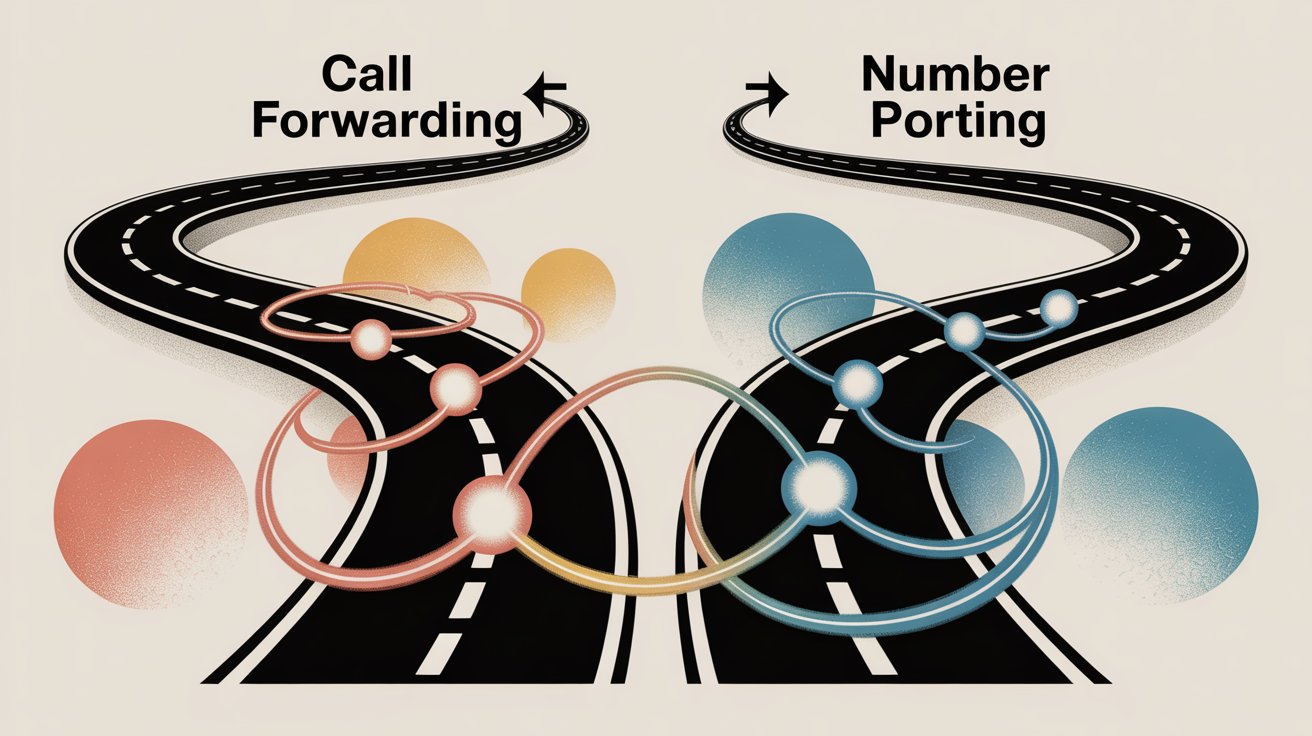
Call Forwarding vs Number Porting: Side-by-Side Comparison#
| Factor | Call Forwarding | Number Porting |
|---|---|---|
| Landline Service | Stays active (keep paying the bill) | Gets canceled (number moves completely) |
| Setup Time | Instant (works in under 5 minutes) | Takes 3-10 business days to complete |
| Flexibility | Easy to reverse anytime | Harder to undo (requires porting again) |
| Costs | Possible per-minute charges + landline bill | One-time port fee, then just mobile bill |
| Bundled Services | Doesn't affect bundles | May change bundle pricing |
| Ideal Use | Temporary or flexible needs | Permanent consolidation |
If you're testing the waters or need to keep the landline for technical reasons, start with forwarding. It's reversible and quick.
If you're committed to dropping the landline entirely, porting eliminates the extra bill and simplifies everything. Just make sure you're ready for that permanence.
How to Forward Landline Calls to Cell Phone#
Call forwarding is the fastest way to get your landline calls on your mobile. Most phone companies offer this feature, and in many cases you can activate it right now.
How to Activate Call Forwarding with Star Codes#
The quickest method uses simple codes you dial on your landline. Here's the step-by-step:
① Pick up your landline phone and listen for the dial tone (that steady humming sound).
② Dial *72 on the landline keypad. You'll hear a confirmation tone or an intermittent dial tone indicating the system is ready.
③ Enter your cell phone number (all 10 digits including area code). Example: 2125551234.
④ Press # if your carrier requires it (some do, some don't). The system will register the number.
⑤ Listen for confirmation (usually a success tone). Some systems will briefly ring your cell phone to test the connection.
⑥ Hang up the landline. Done. Your forwarding is now active.
Test it immediately. Call your landline from another phone and make sure it rings through to your cell. Better to catch problems now than miss important calls later.
To turn off forwarding: Pick up your landline and dial *73, wait for the confirmation tone, and hang up. Your landline returns to normal.

Pro tip: Not all carriers use *72/*73. Some use different codes. Check with your phone company if the standard codes don't work. Most traditional phone companies (AT&T, Verizon, local telcos) use these codes, but VoIP providers sometimes differ.
Conditional Forwarding Options#
Beyond basic "forward everything" mode, many carriers support conditional forwarding:
Forward when busy (line is already in use):
→ Dial *90 to activate
→ Dial *91 to cancel
Forward when unanswered (after certain number of rings):
→ Dial *92 to activate
→ Dial *93 to cancel
These are useful if you want the landline to ring first and only send calls to your cell if you're unavailable. Not all carriers enable these by default, but most traditional phone companies do.
How to Set Up Call Forwarding Online#
If your landline runs through a digital service (Xfinity, Spectrum, Verizon Fios, AT&T U-verse), you can usually manage forwarding through your account portal.
Step 1: Log into your phone service account on your provider's website.
Step 2: Navigate to Voice Settings or Call Features (sometimes called "Call Management").
Step 3: Find the Call Forwarding section. Enable it and enter your cell phone number.
Step 4: Choose your forwarding type:
-
Immediate (all calls forward instantly)
-
Conditional (forward only when busy or unanswered)
-
Scheduled (forward only during certain hours)
Step 5: Save your changes. Forwarding activates immediately.
The online method gives you more control than star codes. You can set specific schedules, configure multiple conditions, and see exactly what's active in a visual dashboard.
Call Forwarding Fees to Watch Out For#
Before you rely on call forwarding long-term, verify your carrier's charges.
Many providers treat forwarded calls like outgoing calls from your landline. If the forwarded-to number is long distance or you don't have unlimited calling, you could rack up per-minute charges.
Some carriers charge a monthly fee (often $5-10) just to enable call forwarding as a feature. Others include it free but charge per forwarded minute.
Call your phone company and ask directly: "Does my plan include free call forwarding, or are there per-minute charges?"
If you're forwarding dozens of calls daily and paying by the minute, those costs add up fast. In that case, porting to eliminate the landline bill might save money in the long run.
Call Forwarding Best Practices#
Once your forwarding is set up, keep these tips in mind:
Test regularly. Technology glitches happen. Call your landline once a month to verify forwarding still works correctly.
Optimize ring count. If using no-answer forwarding, set it to forward after 3-4 rings (about 15 seconds). Waiting longer frustrates callers who hear endless ringing before your cell picks up.
Disable landline voicemail. If your landline's voicemail picks up before the forward triggers, calls won't reach you. Extend the landline's voicemail ring limit or disable it entirely so your cell's voicemail handles messages instead.
Inform frequent callers if needed. While most people won't notice they were forwarded, you might mention it to regular contacts so they understand if they hear background noise or you're clearly not at a desk.
Keep the deactivation code handy. Save *73 in your phone notes. When you return to the office or stop needing forwarding, turn it off to avoid confusion.
Call forwarding works great as a temporary solution or for testing. You keep the landline active, can reverse it anytime, and get immediate relief from being desk-bound.
But if you're ready to eliminate the landline entirely, porting is the answer.
How to Port Your Landline Number to Cell Phone#
Number porting permanently moves your landline number to a mobile carrier. Once complete, your landline service gets canceled and your cell phone owns that number going forward.
This is the right choice if you're done with the landline and want to simplify to one phone bill.
Check Eligibility and Plan Your Port#
Choose where your number will live. You can port to:
→ Your existing cell phone carrier (adding a line or replacing your current number)
→ A new mobile carrier you're switching to
→ A VoIP service or virtual phone system
Verify the new provider services your number's area. Under FCC rules, you can port any number to a new carrier as long as they operate in your number's geographic region. For major wireless carriers, this is rarely an issue (they cover the whole country). For smaller VoIP providers, check first.
Ask the new carrier: "Can you port in my number (###-###-####)?" They'll confirm in seconds.
Critical rule: DO NOT cancel your landline before porting. The landline must stay active during the transfer. If you cancel early, the number could be lost permanently. The old provider automatically disconnects your service after the port completes.
Gather Your Account Information#
Porting requires exact details from your current landline account. Grab a recent phone bill and collect:
→ Account number: This is NOT your phone number. It's usually a longer alphanumeric ID on your bill. For cable/fiber providers, it might be your overall account number for all services.
→ Account holder name: Use the exact name on the bill. If it says "Robert J. Smith," don't abbreviate to "Bob Smith." Match it precisely.
→ Service address: The billing address tied to your landline account.
→ Telephone number to port: Your landline number itself.
→ Account PIN or password: If your provider requires a PIN for changes (common with VoIP and digital services), you'll need it to authorize the port.
→ Alternate contact: Provide a different phone number and email for the new carrier to reach you during the porting process (since your landline will be in transition).
Why accuracy matters: Mismatched information is the #1 reason ports get rejected. If the name, address, or account number doesn't exactly match your old provider's records, the port fails and you have to resubmit.
Use your bill as the source of truth. Copy details character-for-character, including any middle initials, suite numbers, or abbreviations.
How to Submit Your Porting Request#
Now you'll initiate the port with your new carrier. The process varies slightly by provider:
Signing up for a new cell plan?
During signup, you'll be asked "Do you want to keep your existing number?" Select yes and provide your landline number plus the account details you gathered. The carrier will handle the port request.
Adding to an existing cell plan?
Contact your carrier's customer support or log into your account online. Tell them you want to port an additional number. They'll walk you through entering the landline service details.
Porting to a VoIP service?
Most VoIP platforms have a "Port Your Number" section in account settings. Fill out the form with your landline details and upload a copy of your phone bill to verify ownership.
Once submitted, the new provider coordinates with your landline company to execute the transfer.
How long does porting take?
Expect 3-7 business days on average. Some ports complete in 1-2 days, others take up to 10-14 days. Landline-to-mobile ports take longer than mobile-to-mobile ports because the networks are different and require more backend coordination.
Don't panic if it's been 5 days with no update. That's normal. Your new carrier should provide an estimated completion date when you submit the request.
During this waiting period, your landline continues working normally. You can even forward it to your cell in the meantime (Method 1) to ensure no calls are missed.
How to Complete the Port and Test#
When the port date arrives, here's what happens:
Your landline stops working. At some point on completion day, your landline will lose its dial tone. The number has officially moved.
Your cell phone starts ringing on that number. The number now lives with your mobile carrier. Test it: call your old landline number from another phone and watch your cell ring.
Brief service gap (maybe). Most ports complete seamlessly with minimal downtime. Sometimes there's a brief period (minutes to an hour) during the cutover where the number is switching networks. If you're worried about critical calls, request the port happen during off-hours or weekends.
Set up your cell phone features. Record a new voicemail greeting for the ported number (your old landline voicemail doesn't transfer). Configure caller ID, spam blocking, and any other mobile features you want.
Important: Voicemails from your old landline system do not transfer with the number. If you have important messages on your landline voicemail, save them before porting. Once the number moves, you can't access the old voicemail system anymore.
Contact your old provider to confirm cancellation. In most cases, porting out automatically closes your account (or at least the phone portion). Call them a day or two later to verify the service is fully terminated and you won't be billed going forward.
If you had equipment from them (like a cable phone modem), ask if they need it returned.
What If the Port Fails?#
Occasionally, ports hit delays or rejections. Common issues:
→ Mismatched information: The account details you provided don't match the old provider's records. Fix the data and resubmit.
→ Wrong account number or PIN: Double-check your bill for the correct account number. Call your old provider to verify or reset your PIN if needed.
→ Landline company requires extra authorization: Some providers have internal processes that slow things down. Have your new carrier escalate the request.
→ You're in a contract with the old provider: They can't refuse to port your number (FCC rules), but they might charge an early termination fee. You'll still owe that even after the port completes.
If your port is taking longer than 10 business days, contact your new carrier and ask them to escalate. They can pinpoint where the delay is happening and push it forward.
Know your rights: Landline companies are legally required to release your number when you port it. They can't block you. If they're dragging their feet, remind your new carrier to enforce FCC number portability rules.
What Changes After Porting?#
Once your number lives on your cell phone:
No more landline bills. You're free from that monthly charge (except a final bill for any usage up to the port date, or early termination fees if applicable).
Same number, new capabilities. Your number can now send and receive text messages (on most carriers), use smartphone apps, and access features like visual voicemail and advanced spam blocking.
Tell contacts if needed. Since the number itself didn't change, most people won't need notification. But if you previously had separate landline (business) and cell (personal) numbers, you might inform frequent contacts: "This number is now my main line, you can reach me anytime."
Handle equipment. For home users: phones plugged into wall jacks won't work anymore. You can buy a cellular dock that lets you use cordless handsets through your cell service (optional). For businesses: if the landline powered desk phones or a PBX system, you'll need to reconfigure or replace that setup.
By porting, you've permanently cut the cord. One less bill, one less device, one unified phone number that travels with you everywhere.
Unlike call forwarding, porting isn't reversible with a quick code. If you later want the number on a different carrier, you'd port it again. So make sure you're committed before you pull the trigger.

How Eden Helps with Landline-to-Cell Transitions#
Transferring your landline to a cell phone solves the mobility problem. But it creates a new one: now you're personally answering every single call.
If you're a small business owner, that means your phone rings at 7 AM, during lunch, during client meetings, and at 9 PM. Customers don't care about your schedule, and voicemail doesn't capture leads effectively (80% of callers won't leave a message).
This is where Eden changes everything.
The Business Continuity Solution#
Instead of porting your landline directly to a personal cell phone, forward it to Eden's AI receptionist first. Or port the number into Eden, and we handle all incoming calls before routing them appropriately.
Here's what happens:
24/7 Professional Answering#
Eden picks up every call in under 3 seconds, day or night. No more voicemail. No more missed leads. Your customers hear a live, professional voice instead of ringing into the void.
Whether it's 2 PM on Tuesday or 2 AM on Sunday, we're answering with the same quality and consistency through our 24/7 answering service.
Intelligent Call Routing#
Not every call needs your personal attention immediately. Eden qualifies callers, captures their information, and routes urgent calls to your cell while queuing non-urgent requests for follow-up through our smart call routing.
A plumber on a job site doesn't need to stop work for a quote request (Eden captures details and books the estimate). But an emergency burst pipe? We transfer that call immediately to your mobile.
Lead Capture That Actually Works#
When someone calls about your services, Eden collects their name, callback number, service need, and urgency level. You get a text summary instantly with all the details through our lead qualification system.
No more "You have one new voicemail" with zero context. You'll know exactly who called, what they need, and how to prioritize your follow-up.
Appointment Scheduling#
Eden integrates with your calendar (Google Calendar, Outlook) and books appointments during the call. No phone tag. No back-and-forth emails. The client says they want a consultation on Thursday at 2 PM, and we lock it in on the spot.
Spam Filtering#
Remember all those robocalls and telemarketers that used to clog your landline? Eden's IntelliSpam™ system automatically detects and blocks them through our call screening solution. Your paid minutes and your attention go to real customers only.
Real-World Example#
Say you're an electrician who just ported your business landline to a cell phone.
Before Eden:
→ Your phone rings constantly
→ You're climbing a ladder mid-job when a call comes in
→ You can't answer, it goes to voicemail
→ The caller hangs up and calls the next electrician
→ You lose the job
With Eden:
→ We answer the call professionally
→ We ask about the electrical issue (no power, outlet sparking, panel upgrade?)
→ For emergencies, we transfer immediately to your cell
→ For non-urgent work, we book an estimate appointment into your calendar
→ You get a text summary: "John Smith needs panel upgrade, scheduled for Thursday 10 AM, phone: 555-1234"
→ You finish your current job without interruption and have a new appointment locked in
That's the difference between missed revenue and captured business.
Simple Setup#
Setting up Eden takes about 5 minutes:
① Sign up for Eden and get your dedicated Eden number
② Forward your landline to your Eden number (using the *72 method from earlier)
③ Configure your Eden settings (greeting, call routing rules, calendar integration)
④ Test it with a call
⑤ Go live
Or, if you're porting your landline number, you can port it directly into Eden instead of a mobile carrier. We become your phone service, and you configure how calls get handled from there.
Pricing That Makes Sense#
Eden starts at $39/month for 200 minutes (Plus plan). For businesses getting 20-30 calls a day, the Pro plan at $99/month includes unlimited minutes plus appointment booking and call transfers.
Compare that to hiring a receptionist ($2,500+ monthly) or paying for a traditional answering service ($200-500 monthly). Eden costs less and works better because we're AI-powered, infinitely scalable, and never take a sick day.
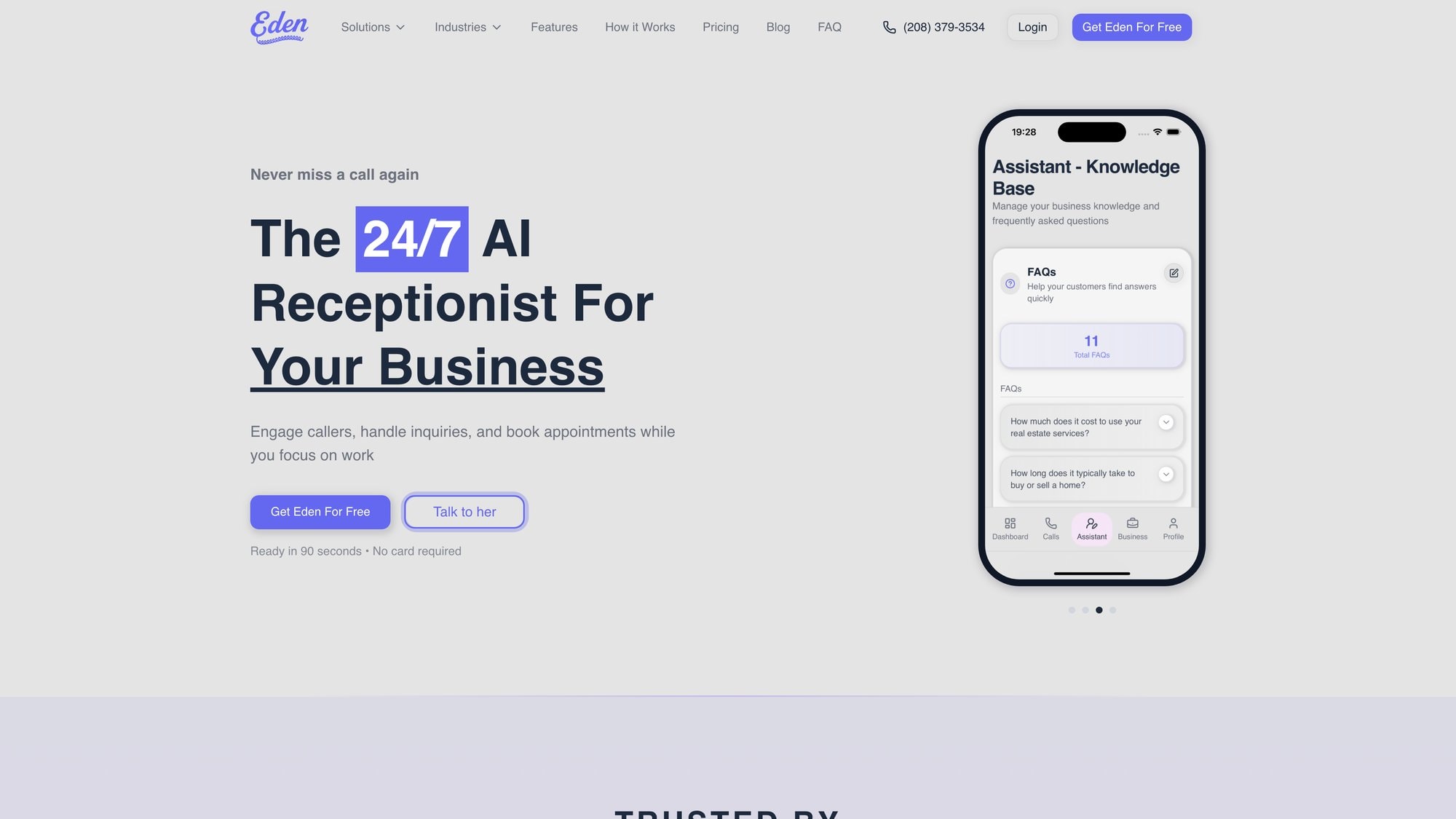
Ready to stop missing calls? Try Eden free for 7 days →
Common Questions About Transferring Landlines#
Will Callers Know Their Call Was Forwarded?#
No. Call forwarding is invisible to callers. They dial your number, it rings, you answer. They can't tell the call was redirected to a different phone.
Your cell phone might display "Forwarded Call" or show the original number being called, but the caller hears normal ringing.
Can I Forward to Multiple Cell Phones at Once?#
Not with basic carrier forwarding (*72). Standard call forwarding sends calls to one number only.
If you need calls ringing multiple phones simultaneously (like a team), you'll need a more advanced solution like a VoIP system or virtual receptionist service. Those support "ring groups" or "hunt groups" that dial multiple numbers at once until someone answers.
With a traditional landline, you're limited to forwarding to a single destination.
Does Forwarding Affect Outgoing Calls?#
No. Call forwarding only intercepts incoming calls. It doesn't touch outbound dialing.
You can still pick up your landline and make outgoing calls normally (until you port the number, which cancels the line entirely). Your cell phone continues making outbound calls as usual, showing whatever caller ID it normally displays.
What About Bundled Internet or TV Service?#
Be careful here. Many cable and fiber providers bundle phone service with internet and TV. Removing the phone portion can:
→ Increase your internet bill (bundle discount disappears)
→ Trigger early termination fees if you're in a contract
→ Require equipment changes
Before porting: Call your provider and ask specifically, "If I remove phone service from my bundle, how does my bill change?" Get the answer in writing if possible.
Sometimes the bundle pricing is structured so you actually save money keeping an unused landline versus paying more for standalone internet. Do the math first.
If porting would cost you an extra $20/month in internet fees, consider just using call forwarding instead and keeping the bundle intact.
Call Forwarding Not Working: Troubleshooting Steps#
Common troubleshooting steps:
→ Wrong number entered: This is the #1 issue. Turn off forwarding (*73), then reactivate (*72) and very carefully dial your cell number again. One wrong digit sends calls into the void.
→ Forwarding not actually enabled: Some systems require you to press # after the number. Others need you to complete the sequence without pausing. Try the process again exactly as your carrier specifies.
→ Voicemail picking up too soon: If your landline's voicemail answers before the forward triggers, calls won't reach you. Disable landline voicemail or extend its ring count to 6+ rings.
→ Check with your carrier: Call them and ask, "Is call forwarding enabled on my account? Are there restrictions?" Some phone plans don't include forwarding, or it's an add-on feature that must be activated first.
→ Test with a different destination: Try forwarding to a friend's phone to rule out issues with your cell carrier.
How Long Is the Service Interruption During Porting?#
Usually minimal to none. Throughout the porting process (which takes days), your landline stays active and working normally.
When the port actually completes, there's a brief cutover (often under an hour, sometimes just minutes) where the number is switching networks. Many ports complete so smoothly you won't notice downtime beyond the landline going dead and the cell starting to ring.
To minimize risk, request ports happen during off-peak hours (evening or weekends) when you expect fewer critical calls.
Are There Fees for Porting?#
From your old landline provider: They cannot charge you just to release your number (FCC rules). But if you're breaking a contract, early termination fees might apply.
From your new mobile carrier: Some charge a one-time activation fee ($10-30), but many waive it to win your business. Ask upfront: "What are the fees to port my number in?"
Total cost: Usually minimal (often $0), though you'll stop paying your landline bill and start paying your new carrier's service charges instead.
Can I Get My Landline Number Back After Porting?#
Yes, but it requires porting again from your mobile carrier back to a landline provider (if one will accept it). There's no "undo" button.
Porting is designed to be a permanent transfer of ownership. If you think you might want the landline back, use call forwarding instead of porting. Forwarding is fully reversible anytime.
What If I'm a Business with Multiple Lines?#
If you have multiple landline numbers (main line, fax line, direct extensions), you'll need to port each one individually or decide which ones to keep.
Many businesses port their main customer-facing number and let the others die off. Or they consolidate multiple numbers into a virtual phone system that routes calls intelligently.
Talk to your new provider about multi-line porting. They can coordinate simultaneous transfers or stagger them to avoid confusion.
Should I Forward or Port?#
Forward if:
→ You're testing and not ready to commit
→ Your landline is in a bundle you want to keep
→ You need flexibility to reverse the decision
→ You want immediate results (works today)
Port if:
→ You're done with the landline permanently
→ You want to eliminate the duplicate bill
→ You're ready to simplify to one phone system
→ You can wait a few days for the transfer
When in doubt, start with forwarding to test the setup. If it works well for a month and you're confident, then port to make it permanent.
Frequently Asked Questions#
Can I Transfer a Business Landline the Same Way?#
Yes. The technical process (forwarding or porting) is identical for business and residential landlines. The difference is in how you'll handle the volume and professionalism after the transfer.
Business landlines typically get more calls, and customers expect professional handling. Forwarding a busy business line directly to a personal cell phone can be overwhelming.
That's why many businesses forward to an answering service or AI receptionist (like Eden) first, which then routes calls appropriately. This maintains professional call handling while giving you mobility.
Do Text Messages Transfer When I Port My Landline?#
Most landlines don't support text messaging at all. When you port a landline number to a mobile carrier, texting usually becomes available on that number, but:
→ There are no previous text messages to transfer (because the landline didn't have texting)
→ It may take 24-48 hours after porting for SMS to fully activate on the number
→ Some carriers enable it immediately, others have a brief delay
Test it by sending a text to the ported number after the transfer completes. If it doesn't work within 48 hours, contact your new carrier to enable SMS on that line.
Can I Forward My Landline Internationally?#
Technically yes, but expect significant charges. International call forwarding means:
→ The forwarded call is treated as an international long-distance call from your landline
→ You'll pay international rates for every minute
→ Some carriers don't support international forwarding at all
If you need international accessibility, better solutions include:
→ Porting to a VoIP service with international calling plans
→ Using a virtual phone system that can route calls globally
→ Setting up email or app-based notifications instead
For occasional international forwarding, it works. For regular use, the costs add up fast.
What Happens to My Fax Line If I Port?#
Faxing over cell phones doesn't work. Traditional fax machines require a physical phone line connection.
If you're still using fax (healthcare, legal, real estate industries often do), here are your options:
Option 1: Keep the landline active just for fax and port a different voice number to mobile.
Option 2: Switch to an online fax service (eFax, RingCentral Fax, HelloFax) that receives faxes digitally and sends them as email or PDF. Port your main number and let the fax service handle incoming faxes.
Option 3: Use a VoIP provider that supports virtual fax lines.
Don't port your only fax-capable line without a plan to replace fax functionality. You'll lose fax capability the moment the landline disconnects.
How Do I Know If My Landline Is Eligible for Porting?#
Almost all landlines can be ported under FCC rules, with rare exceptions:
Eligible:
→ Traditional landlines from any carrier
→ Cable/fiber digital voice services
→ VoIP lines from business providers
→ Most phone numbers in the US
Potentially ineligible:
→ Numbers that aren't in the new carrier's service area (very rare with national carriers)
→ Numbers associated with closed or severely delinquent accounts
→ Toll-free numbers (different porting process)
To check eligibility: Call your new carrier and ask, "Can you port in this number: ###-###-####?" They'll look it up and confirm in seconds.
If a port is rejected, the new carrier will tell you why. Usually it's fixable (wrong account info, need to pay a past-due bill, etc.).
Can I Keep the Same Voicemail After Transferring?#
No. Voicemail is tied to the service, not the number. When you port or forward, the voicemail system changes.
→ If forwarding: Calls forward to your cell, so your cell's voicemail will answer (not the landline's voicemail system)
→ If porting: The number moves to your mobile carrier, so you'll use their voicemail system
Before transferring: Save any important voicemails from your landline's voicemail box. Once the number moves or forwards elsewhere, you can't access the old voicemail anymore.
After the transfer, record a new voicemail greeting on the new system (your cell phone or new service).
Will My Phone Number Change When I Transfer?#
No. That's the whole point of transferring.
→ With call forwarding, the landline number stays exactly the same. It just rings your cell instead of the desk phone.
→ With number porting, the number moves to your mobile carrier, but it's still the same digits. Customers call the same number they always have, it just lives on a different service now.
Your established number, your business identity, your published contact info all stay consistent. Only the underlying technology changes.
How Long Do I Have to Keep Paying My Landline Bill?#
If forwarding: You keep paying the landline bill as long as you want forwarding active. Call forwarding doesn't cancel anything, it just redirects calls.
If porting: You keep paying until the port completes. Once the number transfers to the new carrier, your old landline service automatically terminates (usually). You'll get a final bill for any usage up to the port date, plus any early termination fees if you were in a contract.
Critical: Don't cancel the landline service early. If you cancel before porting completes, you'll lose the number permanently. Let the porting process auto-cancel your old service when it's done.
Is My Data Secure When I Forward Calls?#
Call forwarding is a basic telecom feature that's been around for decades. It's not a security risk.
What forwarding does: Redirects incoming calls to a different phone number at the network level. The call itself travels through normal, secure phone networks.
What it doesn't do: Give anyone access to your accounts, data, or devices. It's simply routing audio calls to a different destination.
Actual security concerns:
→ If you forward to a number that's insecure or compromised, whoever controls that number will receive your calls (obviously)
→ Make sure the destination number is secure and only you can access it
→ Disable forwarding if you lose access to the destination phone
Beyond that, call forwarding itself is secure. The bigger question is: are you protecting the phone that receives the forwarded calls?
Take Control of Your Business Communications#
Landlines made sense in 1995. In 2025, they're anchors holding you back.
By transferring your landline to a cell phone (or a smarter solution like Eden), you're choosing flexibility over limitations, responsiveness over missed calls, and modern technology over outdated systems.
Here's your action plan:
If you're testing the waters: Start with call forwarding (*72 on your landline, enter your cell number). It works instantly and you can reverse it anytime.
If you're ready to cut the cord: Port your number to your mobile carrier. Expect 3-7 days for the transfer, then enjoy eliminating that landline bill permanently.
If you're a business owner: Consider forwarding to Eden instead of your personal cell. We'll answer 24/7, qualify callers, book appointments, and route urgent calls to you while filtering spam and capturing leads you'd otherwise miss.
The choice isn't between landline and cell phone anymore. It's between missing calls or capturing every opportunity. Between being chained to a desk or running your business from anywhere. Between voicemail and actual customer conversations.

Ready to stop missing calls? Try Eden free for 7 days and see the difference →
Your customers are calling. Make sure someone actually answers.
Ready to Transform YourCustomer Experience?
Join hundreds of businesses using Eden AI to handle calls, book appointments, and provide 24/7 customer support.